
Code-Aware Docs
Ground documentation in your indexed GitHub repositories.
When Docpipe has indexed your code, it can write documentation from that code — reading the actual repositories rather than guessing. This powers both the editor's Research & write and a dedicated survey tool in settings.
Index your repositories first
Code-aware writing needs indexed repos. Connect the GitHub integration and index the repositories you want the AI to read, from Settings → Integrations → GitHub — "Index repositories so the AI assistant can ground answers in your code." See GitHub for the connection steps.
Run a code survey
The GitHub settings page has a Code surveys & research panel — "Generate a cited document from your indexed repositories." — that produces a whole document from your code. Choose a mode:
- Enumerate — an exhaustive list of every match, for questions like "list every feature flag used across the codebase."
- Deep research — an open-ended investigation the agent runs across the code, for prompts like "document our auth model end to end."
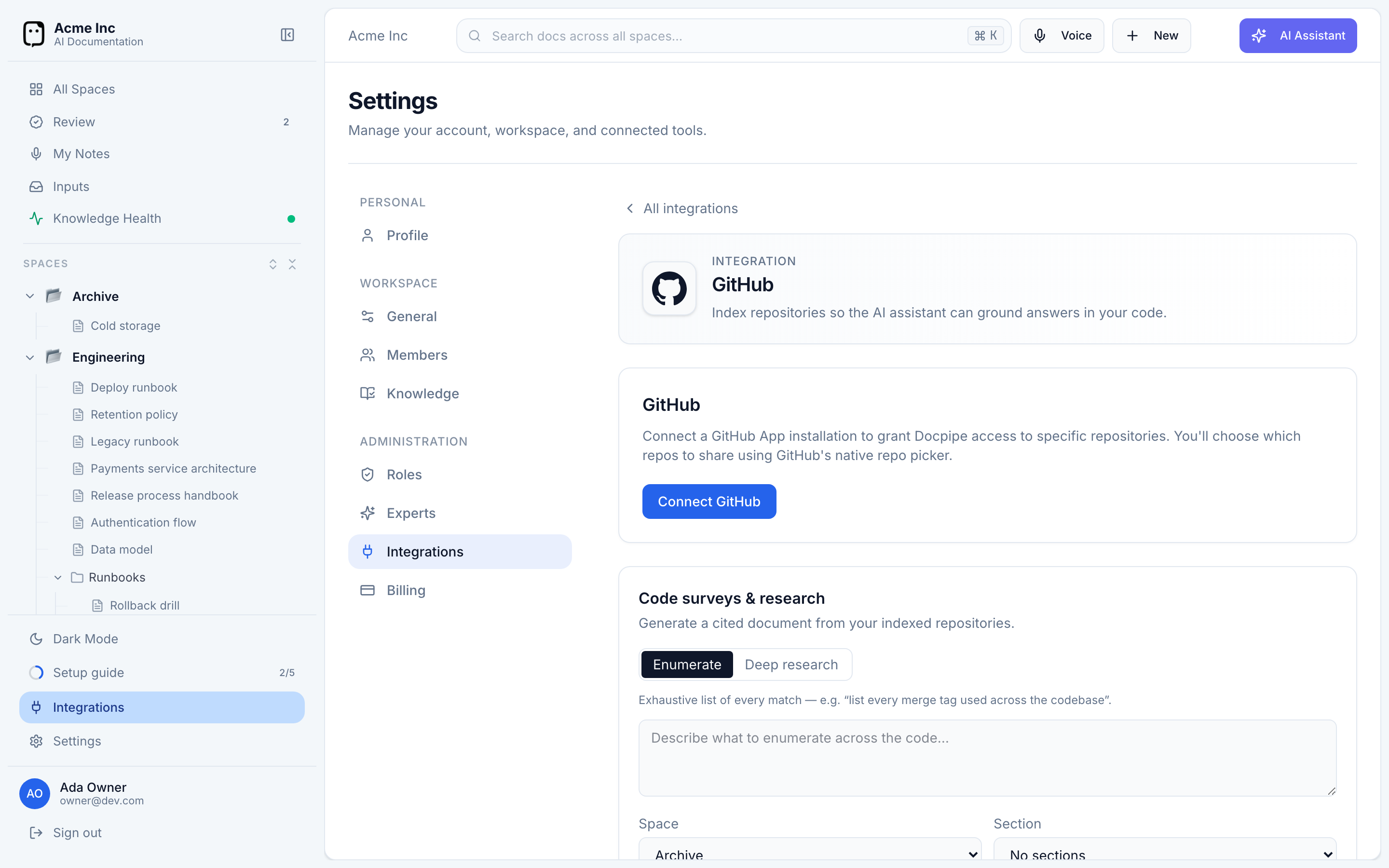
Describe what you want, pick the Space and Section the result should go into, and select Run survey (or Run research). It runs in the background; when it's done, you get a link to open the space and view the document — a new, cited document built from your code.
The number of repositories you can index depends on your plan. Free plans can't index repositories; Pro and Enterprise raise the limit. See Plans & usage.