
Getting Started
Core Concepts
The building blocks of Docpipe: spaces, folders, documents, and the capture-to-answer loop.
A few terms come up throughout Docpipe. This article defines them so the rest of the documentation reads clearly.
How knowledge is organized
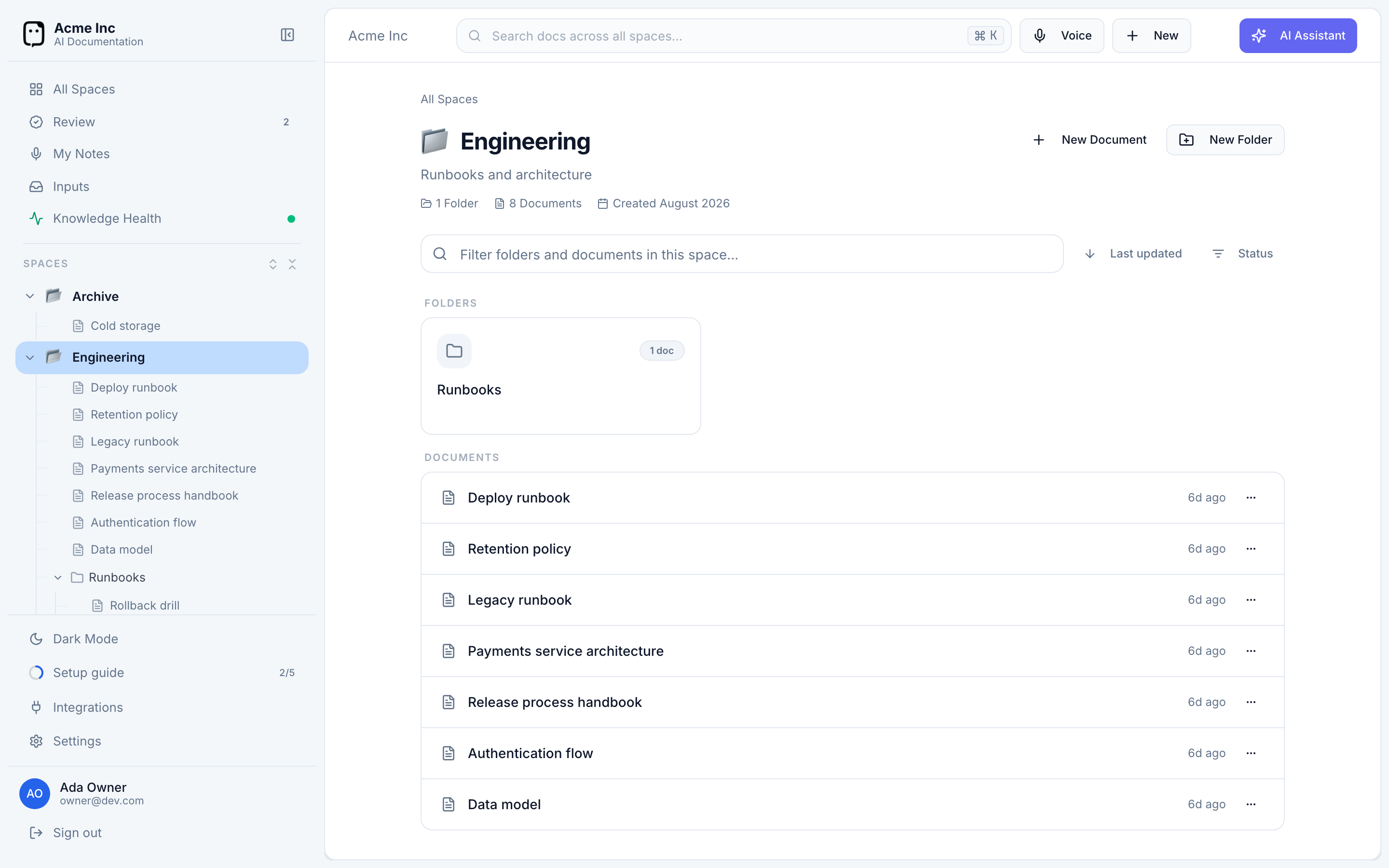
Knowledge in Docpipe follows a simple hierarchy:
- Organization — your workspace. Everything else belongs to it, and it holds your members, roles, and integrations.
- Space — a top-level area of knowledge, usually one per team or domain (Engineering, Support, Operations). Access can be scoped per space.
- Folder — an optional grouping of related documents inside a space (for example, "API Documentation").
- Document — a single page. It can sit directly in a space or inside a folder.
- Block — the unit a document is built from: a paragraph, heading, list, table, callout, or code block. Docpipe works at the block level, which lets it propose small, precise edits instead of rewriting whole pages.
The capture-to-answer loop
Docpipe runs on a single loop. Knowledge moves through four stages:
- Capture — knowledge enters from where your team already works: a Slack decision, a voice memo, or an imported doc.
- Understand — Docpipe reads the capture, identifies the claim and its context, and determines where it belongs across your spaces, folders, and documents.
- Review — instead of writing straight to a page, Docpipe drafts a proposal: the smallest useful change. A reviewer approves, edits, or rejects it before it becomes shared knowledge.
- Answer & create — once knowledge is in, anyone can ask a question and get an answer grounded in your documents, with citations back to the source, or draft new documents from that evidence.
This loop is why answers come with sources and why captured knowledge passes through review.
People and access
- Owner — the person who created the organization. Has unrestricted access, including owner-only actions.
- Roles — Member (the default) and Super Admin are built in, and you can create custom roles. Roles set what someone can do at the organization level.
- Space access — separately from roles, who can view, edit, or manage each space is controlled per space, so sensitive knowledge stays scoped.
For details, see Roles & privileges and Space access.
Where to go next
- Create and organize knowledge in Working with documents.
- Bring knowledge in with Capturing knowledge.
- Get grounded answers in Asking & search.