
Integrations
Integrations
Connect Docpipe to Slack, GitHub, Confluence, Jira, and Linear.
Integrations connect Docpipe to the tools your team already uses — so knowledge is captured where work happens, answers reach people in the flow, and your documentation stays close to the code and tickets it describes.
All integrations are set up in Settings → Integrations, and connecting one requires admin access (organization owner, or a role with Manage org settings).
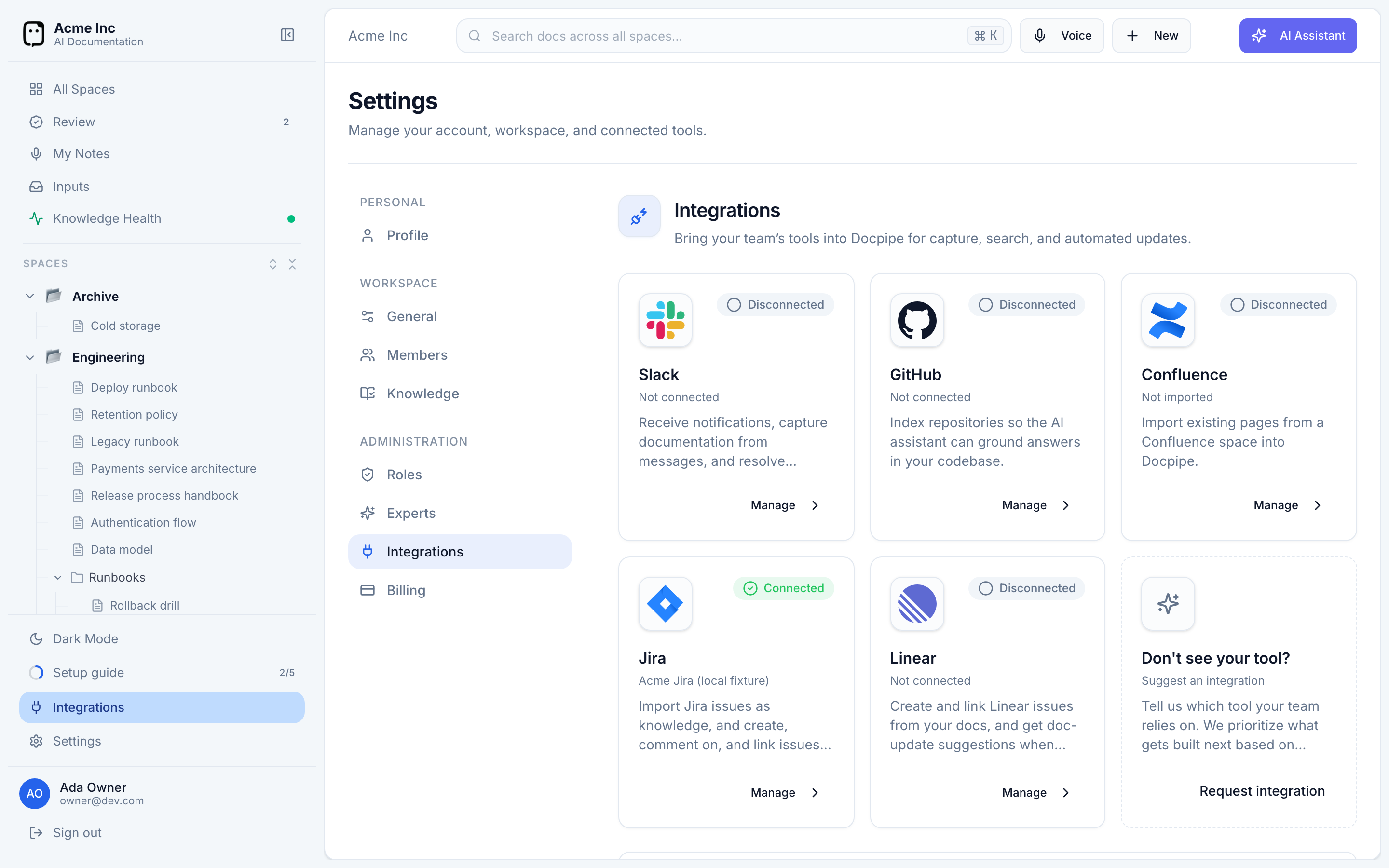
Available integrations
- Slack — capture decisions and answer questions in-channel with
/docpipe, and watch channels for automatic capture. This is the highest-impact integration; connect it first. - GitHub — index your repositories so answers and documents can be grounded in real code, and turn merged pull requests into proposed doc updates.
- Confluence — import your existing Confluence spaces and pages into Docpipe.
- Jira — turn resolved Jira issues into proposed documentation updates.
- Linear — turn completed Linear issues into proposed documentation updates.
Each integration you connect makes Docpipe more useful: Slack for capture and answers, GitHub for code-aware docs, and Confluence to bring in what you already have. Your progress is tracked in the Setup guide — aim to work through it in your first week.